Cloud Designer
We have said it and we are gonna say it again, we open up endless opportunities with our product CloudUnity. The Cloud Designer dashboard helps you design architectures that you want to implement into your CSP with interactive drag and drop tools rather than going through the traditional complicated methods of going to your CSP account and provisioning your architecture, creating resources one by one. Upon entering the Design Canvas dashboard, you are greeted by the image below.
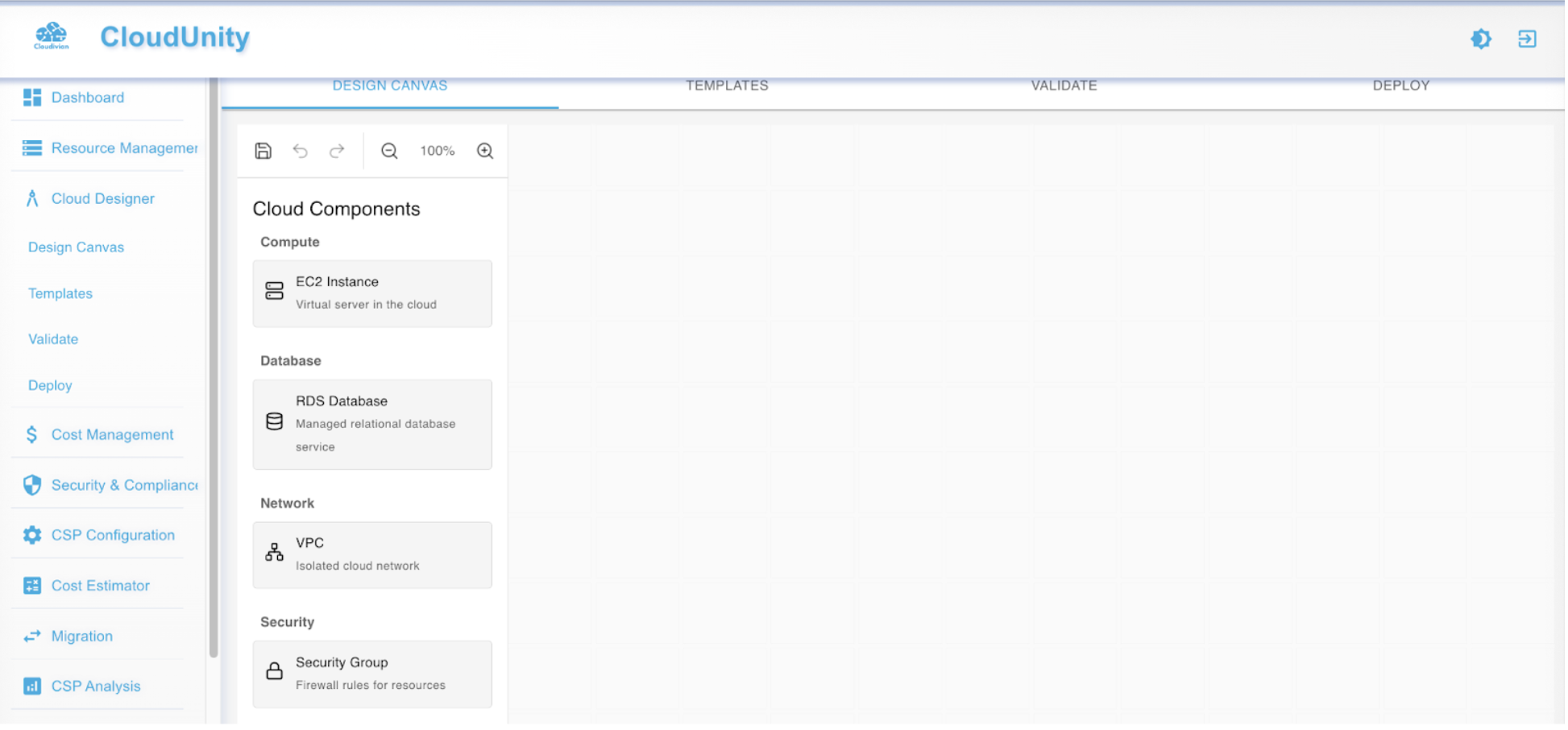
The Cloud Designer takes place in 4 parts namely
-
Design Canvas
-
Templates
-
Validate
-
Deploy
Design Canvas
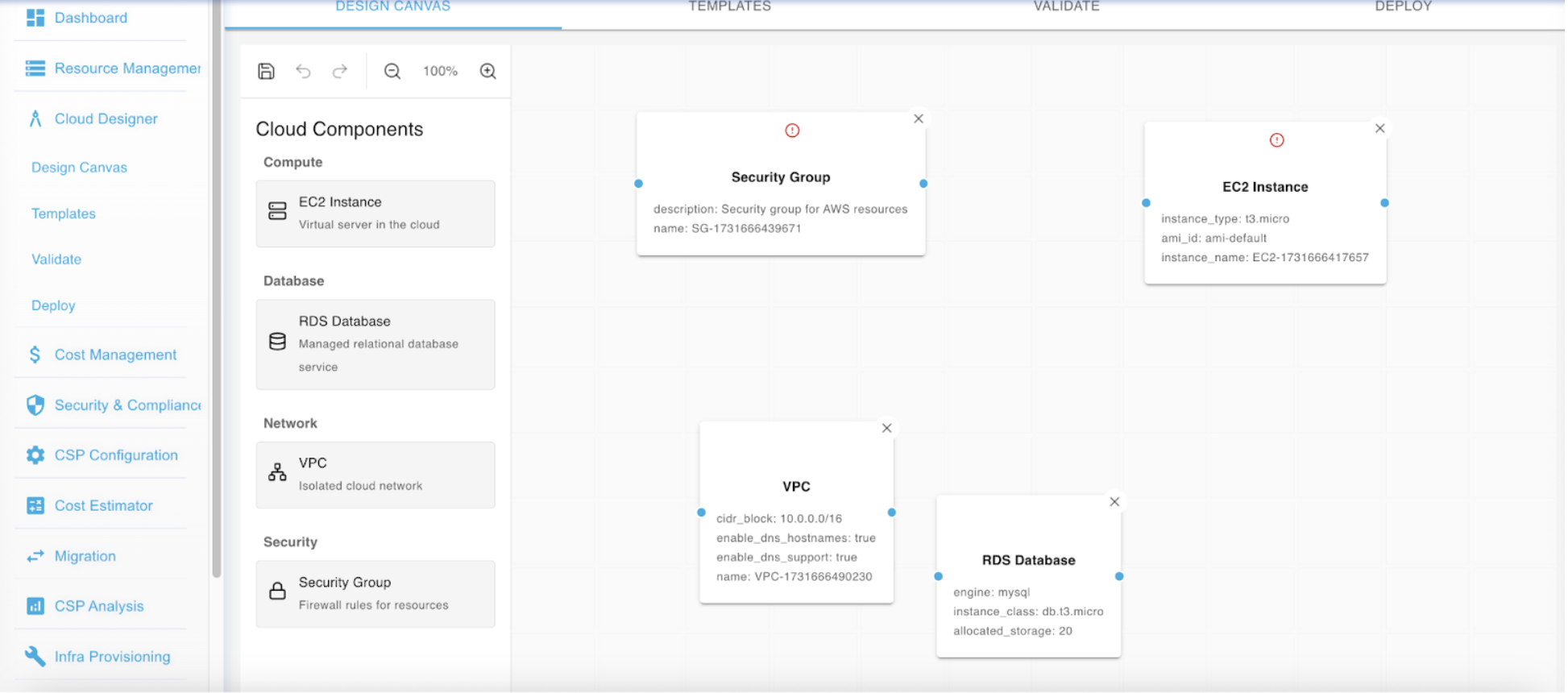
Here is where, you may design your architecture by dragging and dropping componets and creating links between them to meet your requirements and standards for your business. The image below depicts the working of the Design Canvas.
Templates
Moving on to the next step, it would be the templates. Upon saving your designed Design canvas a template is created. This template is later used for deploying your architecture into your desired CSP.
Validate
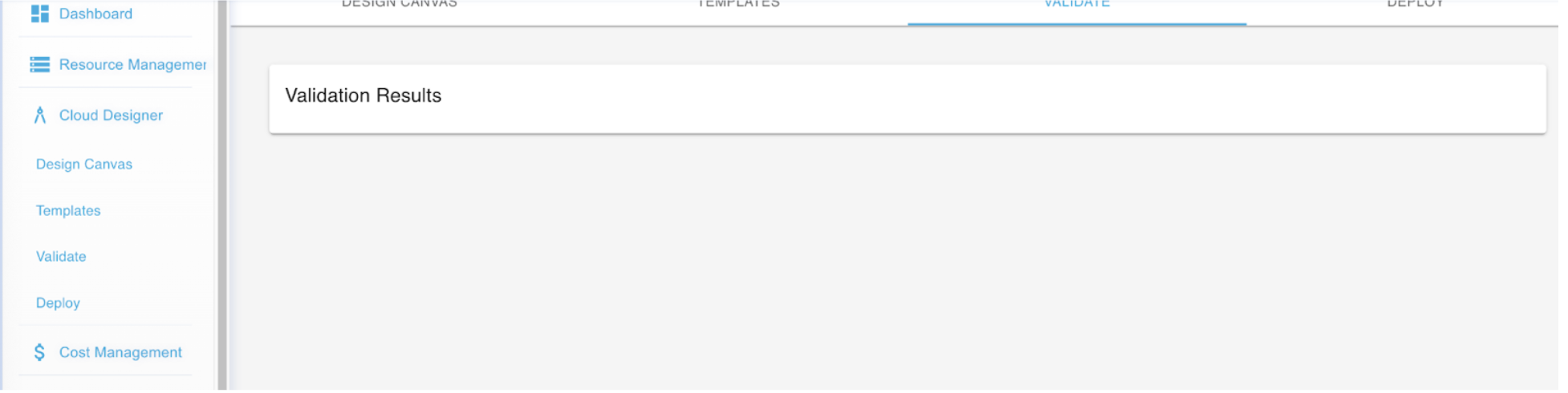
In this step, you are given an oppurtunity to review your architecture and also a chance for us to validate your architecture and if there are any errors in the configuration of your cloud components we let you know about it immediately allowing error correction before proceeding to the next step, deploy. The image below depicts the Validate step results.
Deploy
The final step towards achieving your architecture is deploy. This is where all the magic happens. Before deploying your architecture you will have to review your configuration, entering your environment and region as shown in the example below.
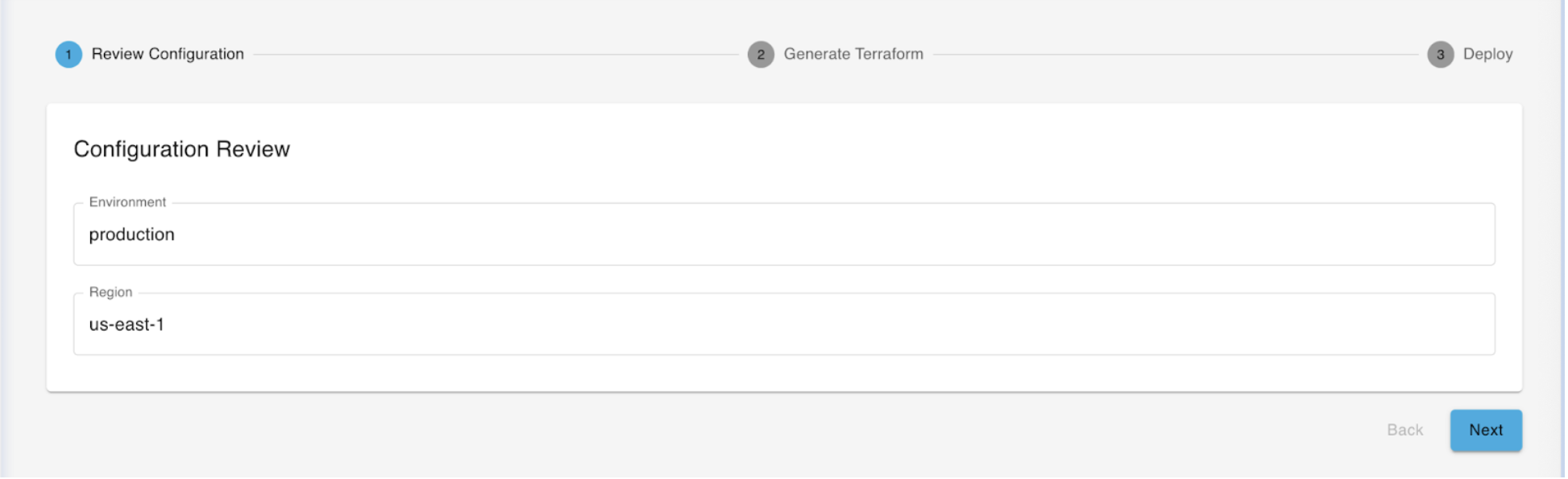
After completing this step click on "Next" to generate a terrform and deploy your desired architecture in just one click.